Personalised profile
Present your organisation’s name, logo, identity and learning purpose.
Bring your organisation into SmartAZ.
SmartAZ Teams allows companies, schools, training providers, nonprofits and professional organisations to establish personalised profiles inside the SmartAZ app and connect members to dedicated learning.
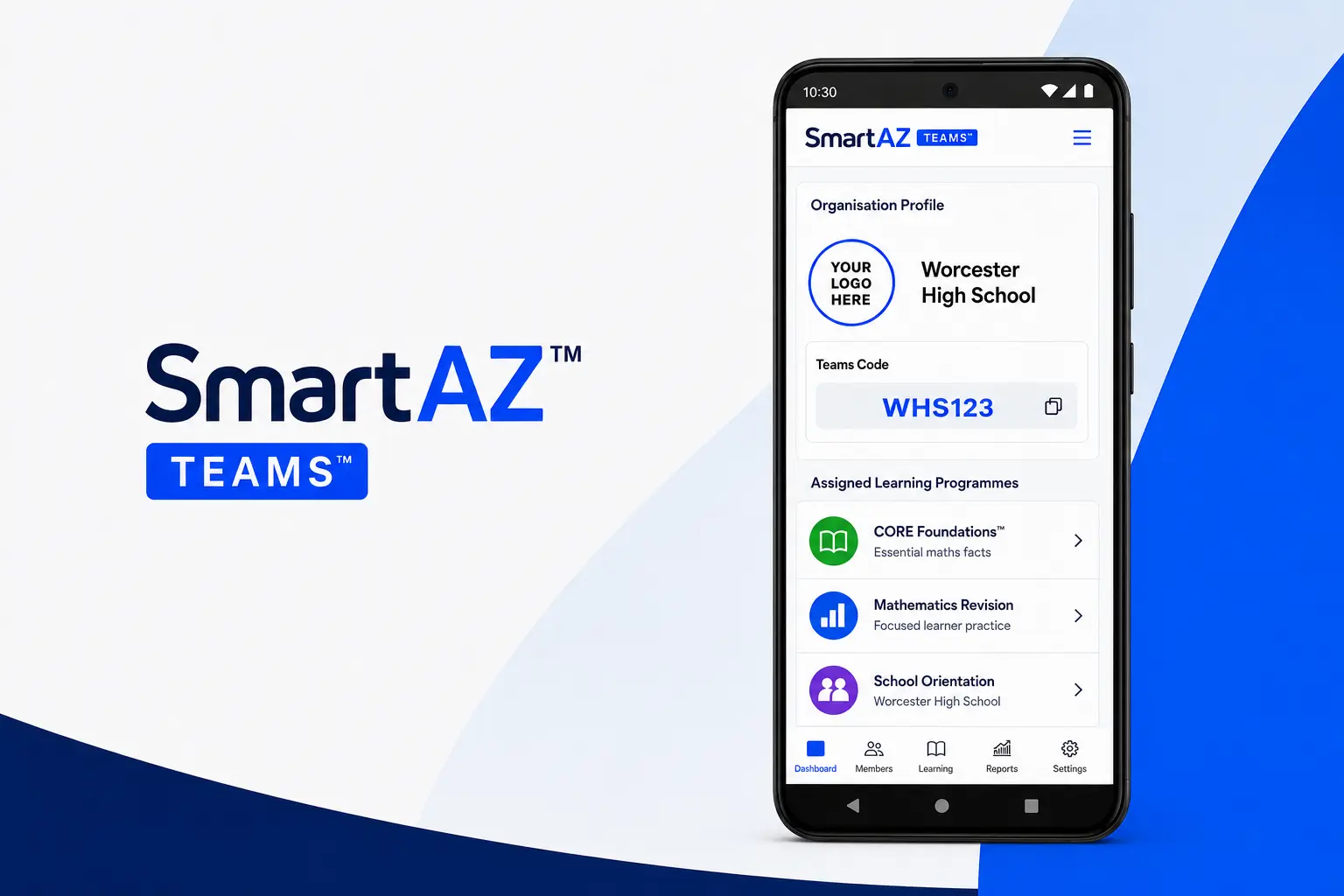
An organisation’s Teams profile becomes its personalised learning presence within the SmartAZ platform.
Present your organisation’s name, logo, identity and learning purpose.
Members connect to the organisation using its assigned Teams code.
Make private, sponsored or organisation-specific learning available.
Support onboarding, procedures, compliance and internal knowledge.
Provide selected learning programmes to learner groups.
Connect participants to assessments, completion records and certificates.
Extend structured learning to communities and programme participants.
Support professional learning and assessment where appropriate.
Market or implement SmartAZ programmes such as CORE through organised groups.
Configure the organisation’s identity, purpose and access details.
Add organisation-specific or selected SmartAZ learning programmes.
Members join with the Teams code and access the assigned environment.
Start a conversation about establishing a personalised organisational profile.